
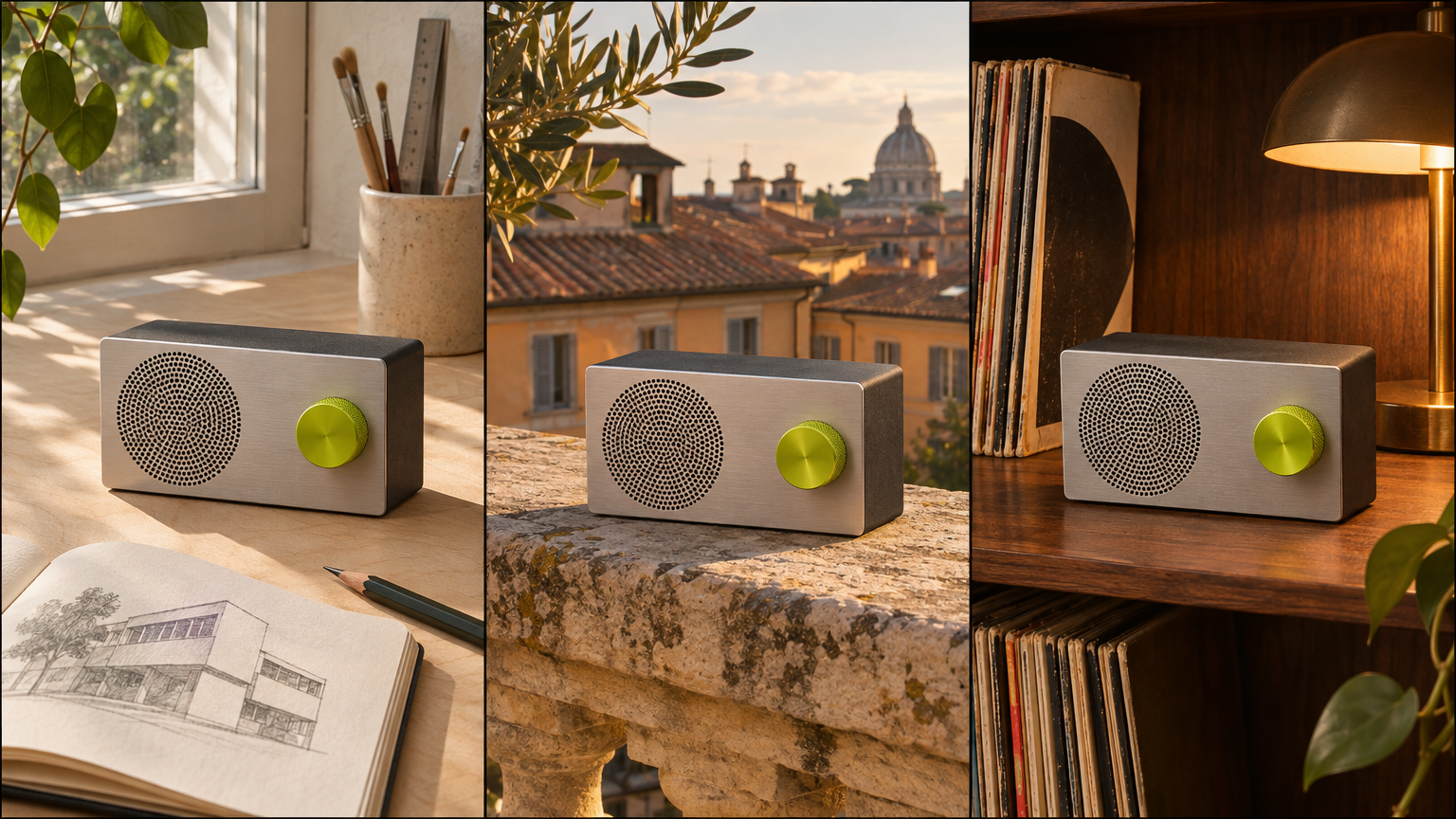
Pictures made from a fresh text prompt each time rarely match. The bottle is a slightly different shape on Monday, the room has changed by Wednesday, and by Friday the feed looks like three different brands.
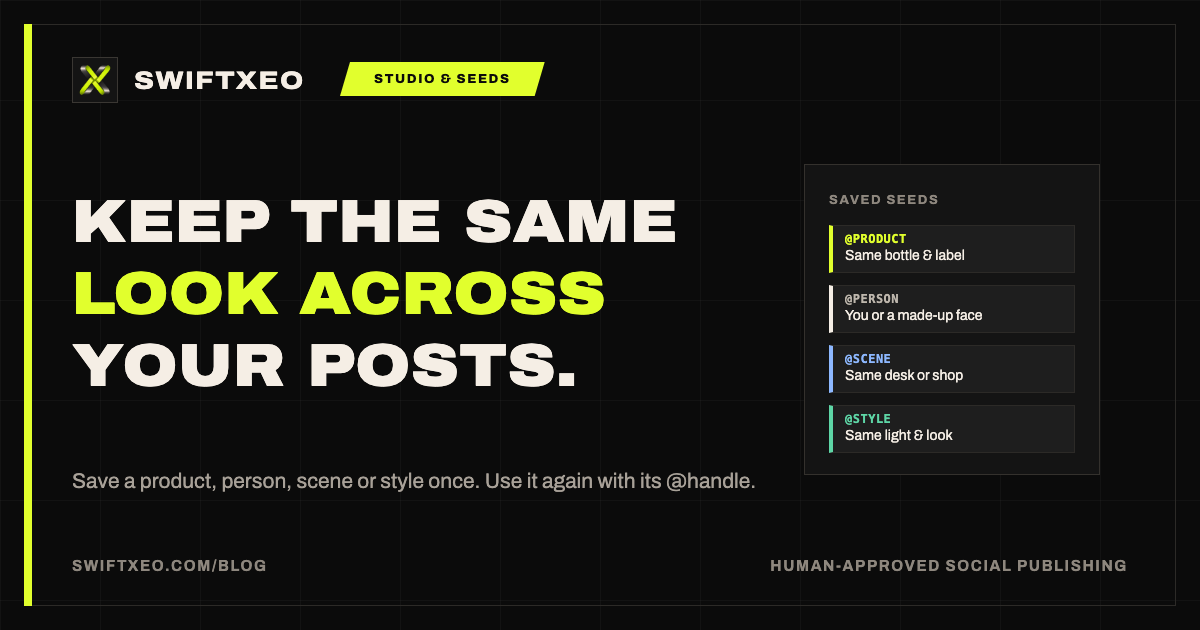
Seeds help with that part. You save a product, a person, a place or a look once, and Studio uses those pictures as references every time you mention it.
What a Seed is
A Seed is a few reference pictures saved under a short handle, such as @mug or @shop. You make it once on the Seeds page. After that, you write the handle in a Studio prompt instead of describing the thing again.
You can use several Seeds and Library pictures in one prompt, up to eight reference pictures in all. So your product can sit in your own shop, in the look you saved.
| Seed kind | What you save | What it helps with |
|---|---|---|
| Character | Your own face ("This is me") or a made-up person ("This person is made up") | The same presenter across posts |
| Product | Clean photos of your packaging, book, mug or device | The same item in a new setting or season |
| Scene | Your desk, studio wall, shop front or cafe corner | New angles in a place people recognise |
| Style | Pictures that show the light, colour and framing you like | The same look without long style notes |
Pictures first, then clips
For a short clip, start with a still picture you like, made with your Seeds. Then make the clip from that picture and the same Seeds. Faces, labels and rooms tend to stay steadier when the clip starts from a picture you have already checked.
Studio makes pictures with Nano Banana 2.1, Seedream 5.5 or GPT Image, and clips with sound with Seedance 2.5 or Omni Flash 1.2. Everything you make lands in your Library. From there you can use it in a post, or put pictures together with music and a voiceover in the Reel builder.
In the web app or through your assistant
In Studio, type @ in the prompt box to pick a Seed. You can also open a picture in your Library and choose Use as a reference.
If you work from Claude, ChatGPT or Gemini, your assistant can see your Seeds and use their handles when it makes a picture or a clip. A clip always shows you a credit quote first and waits for your yes.
Your assistant can use Seeds, but it can't make, change or archive them. Only a signed-in person can do that.