
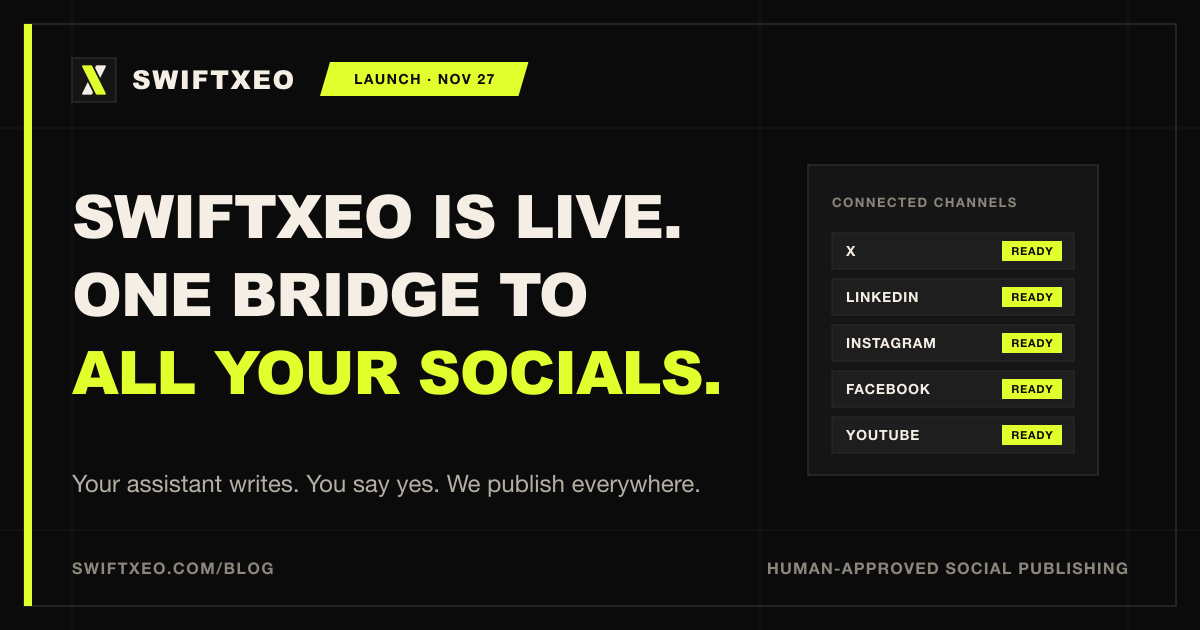
Pasting the same update into every social app, one by one, is slow and repetitive. You write a post, resize a picture, copy it into another tab, tweak the wording, and do it all again the next day.
We built SwiftXEO so you don't have to. Connect your channels once, give the instruction in the assistant you already use, or write straight in the web app. Review every post in one Queue, and say yes when it looks right.
What SwiftXEO is
SwiftXEO is a human-approved social publishing workspace with a built-in Studio and Library for solo creators and small businesses. Your AI assistant writes the drafts, you check them in your Queue, and SwiftXEO publishes to your connected channels only after you say yes.
Software handles the formatting, scheduling, and cross-posting across X, LinkedIn, Instagram, Facebook Pages, Pinterest, and YouTube, while you keep the final say on every post.
From idea to post
You start with a plain instruction in Claude, ChatGPT, Gemini, or the SwiftXEO web app, and approve the finished post in your Queue when you're ready. Every step stays visible, so you always know what is waiting for you and what is already scheduled.
| Step | Where it happens | What you control |
|---|---|---|
| 1. Give the direction | Claude, ChatGPT, Gemini, or SwiftXEO Compose | Pick the topic, link, or video you want to share |
| 2. Create or pick media | Studio, Seeds, and Library | Make pictures or short clips, or upload your own |
| 3. Review native drafts | Your Queue | Edit channel text, swap media, change the time, or reject |
| 4. Say yes | Approval screen | Confirm the exact text, media, and time before anything schedules |
Built for both assistant users and web-only makers
If you already use Claude, ChatGPT, or Gemini, you can connect SwiftXEO through one address, https://www.swiftxeo.com/api/mcp, and draft posts straight from chat. You can also load our Brand voice, Repurpose, and Content week skills to set up your voice, turn a video into posts, or plan a week of drafts.
If you prefer to write everything yourself, open the SwiftXEO web app. Compose, Studio, Library, Seeds, Brand voice, Calendar, and Queue are all right there with no external assistant needed.
Studio, Library and Seeds
Studio, Library, and Seeds sit together so you aren't stuck hunting for a picture every time you want to post. You make or upload pictures and short clips once, keep them in your Library, and attach them to any post in your Queue.
With Seeds, you save a product, a place, a style, or your own face once on the Seeds page and reuse it in new Studio pictures and short clips. When you want to turn an existing video into posts, upload it to your Library, transcribe it, and draft native updates for each channel.
Where to start
You can create an account on SwiftXEO, connect your first channels, and try the full flow from draft to Queue today. Check our pricing page to compare plans and credits, browse the prompting guides in Docs, or watch our short walkthroughs on the SwiftXEO YouTube channel.
Your assistant writes the drafts. You say yes. SwiftXEO publishes to your channels.