
You can usually tell when nobody read a post before it went out. The grammar is clean, the tone is a notch too excited, and when you reach the end you can't say what it told you.
That is what people mean by AI slop: text, pictures or clips made on default settings and published without anyone checking them or adding anything specific.
A typical one:
In today's fast-paced world, staying connected with your customers is more important than ever. That's why we're thrilled to unveil our new booking system — a seamless experience that elevates every visit. It's not just an update. It's a whole new way to connect. ✨
Nothing in it is wrong, and nothing in it is about anyone. Here is the same news, written by someone who knew what changed:
You can now book a table on our website instead of calling. It shows which evenings still have room, and you get a text the day before. If you'd rather call, the number is the same.
Where it comes from
A language model writes the most likely next words. Give it a vague request like "write a post about our new booking system" and the most likely words are the ones that would fit any business. Pictures work the same way. A vague prompt gives you the average stock image: smooth plastic skin, objects floating in soft light, and a product that looks a little different in every post.
The signs to look for
Wikipedia editors keep a list called "Signs of AI writing", and the open-source Humanizer project turns it into editing rules. The ones you'll see most on social media:
| Sign | Example | Fix |
|---|---|---|
| Staged contrast | "It's not just an update. It's a whole new way to connect." | Say what it is |
| Slogan closer | Ending every post on a punchy moral | Stop after the last fact |
| Warm-up line | "Here's the thing." "Honestly?" | Start with the point |
| Habitual threes | "Fast, simple and powerful" | List as many as you mean |
| Hype words | Seamless, elevate, unlock, game-changer | Is, has, works |
| Stock-AI pictures | Plastic skin, a product that changes shape | Start from photos of your own product |
What SwiftXEO does about it
SwiftXEO tries to catch slop at four points.
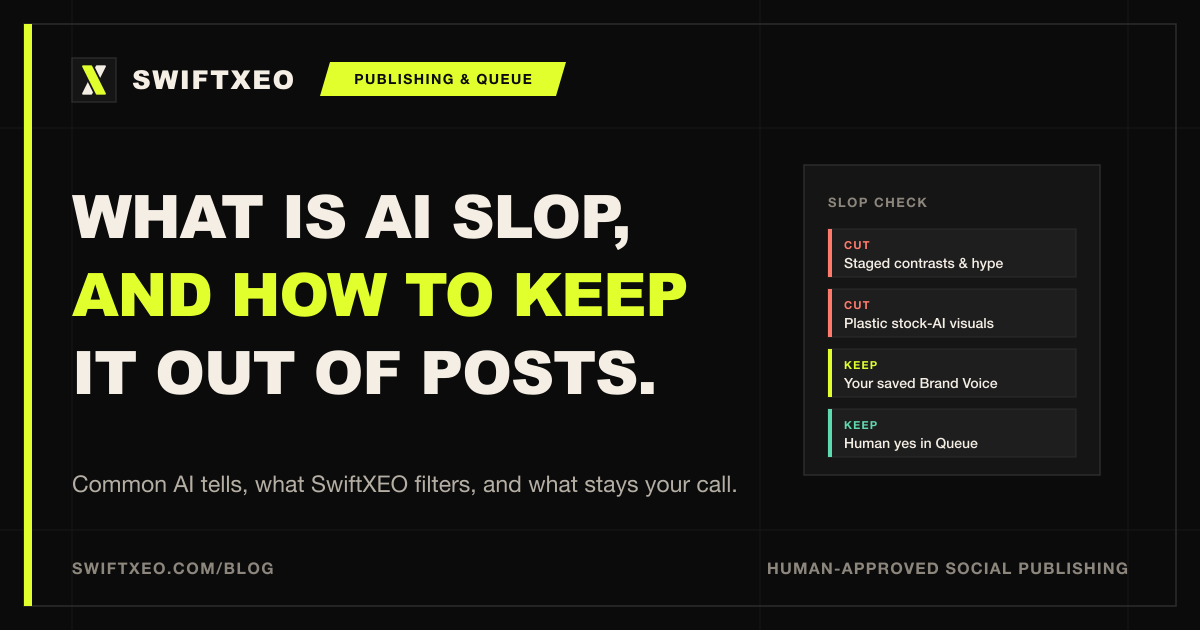
Writing rules for every assistant. When Claude, ChatGPT or Gemini drafts a post through SwiftXEO, or you draft from a webpage in Compose, the assistant gets a short set of plain-writing rules adapted from Wikipedia's list and Humanizer. They apply before you've set up a brand voice.
Your brand voice. On the Brand voice page you save who you write for, how you sound, words you use and words you avoid, claims you never make, and a few posts you wrote yourself. Your assistant reads this before it drafts, so it works from your examples instead of guessing.
Seeds. In Studio you save a product, person, scene or style once and use it again by its @handle. Make a Seed from photos of your product and it keeps the same shape from post to post. The Products & UGC prompting guide covers the details.
Your approval. An assistant can draft posts with a proposed time in SwiftXEO, but it can't approve or publish them. Every post waits in your Queue until you say yes.
What you can do
Most slop starts with a vague request, so start with something specific.
Give your assistant one thing that happened. A customer question, a change you made, a link, a video from your Library. "Write a post about my business" gets you the press release.
Fill in your brand voice once. The sample posts matter most. Add a few you were happy with, and list the words that make you cringe.
Make Seeds from your own photos instead of describing your product in a prompt.
Read each draft out loud before you approve it. If you wouldn't say a sentence to a customer across the counter, rewrite it or cut it.