
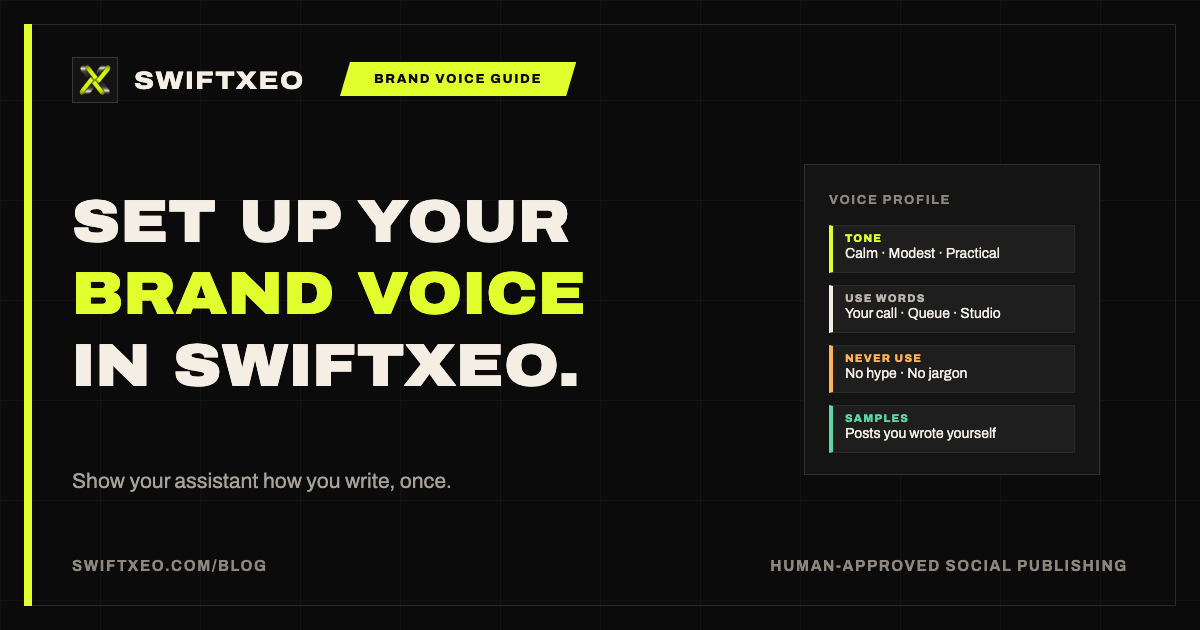
Without a brand voice, your assistant has to guess how you talk. It usually lands on the safe, polished marketing tone that could belong to any business.
A brand voice gives it something better to work from: your own words, your own examples, and the things you would never say.
Here is part of one, for a small neighbourhood bakery:
Tone: warm, plain, a little playful Never use: artisanal, curated, elevate Never claim: organic, award-winning
With those three lines, a draft about a new loaf already sounds more like the shop and less like an ad.
What goes in it
The Brand voice page has a field for each part. You don't need all of them, and you can add more later. These do the most work:
| Field | What to write |
|---|---|
| Business and Audience | One plain sentence each: what you make, and who it is for |
| Tone and Rhythm | A few tone words, and how long your sentences usually are |
| Signature words | Words you use a lot, up to ten |
| Never use | Words that make you cringe, up to twenty |
| Never claim | Things your assistant must not say, such as numbers or awards you don't have |
| Sample posts | Up to five posts you wrote and were happy with |
Sample posts matter most. The other fields describe your voice. The samples show it.
Two ways to set it up
You can fill it in yourself. Open Brand voice in SwiftXEO, write in the fields you want, and save. Your assistant writes with it from the next post.
Or you can let your assistant interview you. If Claude, ChatGPT or Gemini is connected, ask it to set up your brand voice. It asks a few short questions, one at a time, and it can read your website or public profiles if you give it the links. Then it sends a proposal.
The proposal changes nothing yet. You open it on the Brand voice page, read every field, edit what feels off, and confirm it or discard it. That part is your call.
Your voice on every network
Your brand voice decides the words. Each network's guidelines decide the length and format. So a short post on X and a longer LinkedIn update can still sound like the same person.
You can change your brand voice whenever you like. Every post still waits in your Queue until you say yes.